
Bitget CFD Private Copy Trading Password
Bitget CFD private password is a unique verification code automatically generated by the system when a trading expert creates a private copy trading invite. It controls user access to private copy trading programs. The password works together with the invite link, and only users who enter the correct password can verify their identity and copy the trading expert's CFD trades. This article explains what the Bitget CFD private password is, how to use the CFD private copy trading password, and how to join private copy trading.
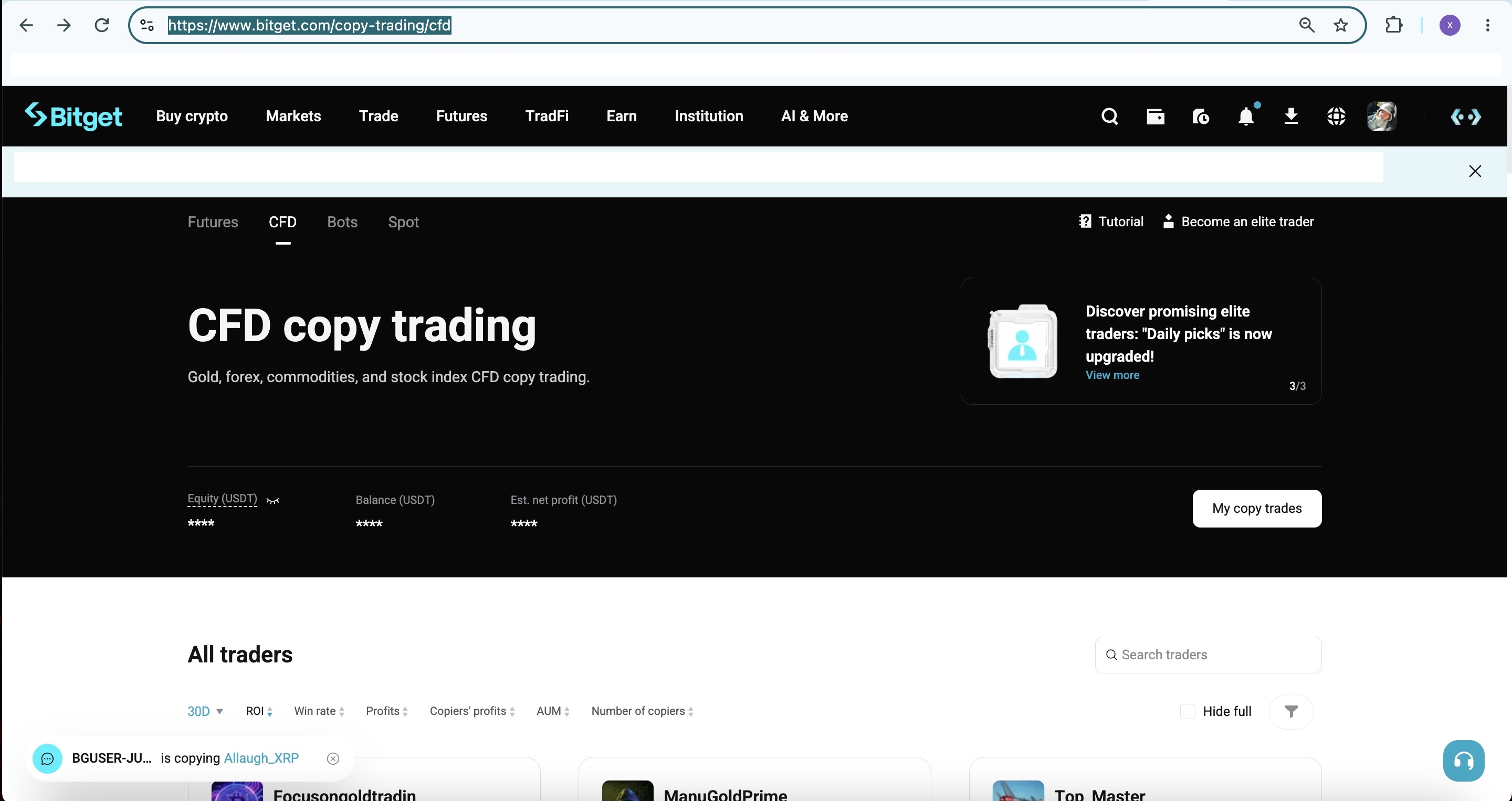
What is the Bitget CFD private password?
The Bitget CFD private password is the core verification tool used in private copy trading mode. Its main features include:
-
How it's generated: When a trading expert creates an invite link on the "CFD (private)" tab, the system automatically generates a unique password and provides it along with the link.
-
Format: Supports a combination of numbers and letters, up to 8 characters.
-
Purpose: Used to manually verify identity on the trading expert's profile page, ensuring that only authorized users can join private copy trading. This effectively protects the trading strategy from being made public.
-
Paired use: Each password corresponds to one invite link. Deleting the link does not affect users who have already joined successfully, but new users can no longer use that password.
-
Cannot be changed: The password is generated at creation and cannot be changed afterward by the trading expert. A new password can only be obtained by creating a new link.
Together, the private password and invite link form an invite-only copy trading mechanism that helps trading experts precisely manage their pool of copiers, with support for tracking up to 10 different links across channels.
How to use the CFD private copy trading password: detailed steps
Using the Bitget CFD private password to join copy trading is simple and works well when you can't click the link directly or the link has expired. The steps are as follows:
1. Get the password: Obtain the Bitget CFD private password from the trading expert (usually shared together with the invite link). Make sure the password is correct, and note that it is case-sensitive.
2. Go to the trading expert's profile page: Open the Bitget app (must be updated to version 2.90.0 or later), and search for the trading expert's name to access their profile page.
3. Enter the password to verify: Find the private copy trading entry point on the trading expert's profile page, and manually enter the CFD private copy trading password (numbers and letters, up to 8 characters). Tap the verify button. Once verification succeeds, the system automatically redirects you to the copy trading settings page.
4. Complete the copy trading setup: On the settings page, select a copy trading mode (such as fixed ratio or fixed lot size), configure TP/SL parameters (if supported), and confirm the minimum copy trading amount (set by the trading expert, typically ranging from 50–5000 USDT). Transfer the required funds from your spot or funding account, and confirm to start copy trading.
5. Confirm you've joined successfully: After joining, your copy trading center will display the program with a "Private" tag. The system automatically creates a separate MT5 copy trading account, which is isolated from your main account assets.
Notes:
-
Users on older app versions may not be able to start copy trading directly after entering the password; the system will prompt them to update.
-
If the password is invalid, it may be because the invite limit has been reached, the link has been deleted, or the password was entered incorrectly. Contact the trading expert for a new password.
-
Each link has a maximum invite limit (1–100 users), and each successful copy trading join uses up one slot.
How to join private copy trading: password method and link method
There are two main ways to join private copy trading, with the password method serving as an important alternative:
-
Password method (manual entry): Suitable for situations where the link can't be opened directly. This method is flexible; you simply enter the Bitget CFD private password on the profile page to verify.
-
Link method: Click the Bitget CFD private invite link directly, which automatically redirects you to the profile page to start copy trading. This method is faster.
Both methods ultimately lead to the same copy trading setup flow. After a user joins successfully, the trading expert can view the list of copiers in their center and can actively remove users (removal is not subject to any asset amount restrictions).
FAQ
Q: Can the Bitget CFD private password be used more than once?
A: Yes, but it's subject to the link's maximum invite limit. Once the limit is reached, new users can no longer use it. If a user cancels copy trading, the slot they used is not automatically released.
Q: What should I do if I get an error after entering the CFD private copy trading password?
A: Check that the password is correct (note that it is case-sensitive and has a specific length), make sure your app is up to date, or confirm with the trading expert whether the password is still valid.
Q: Do the private password and invite link have to be used together?
A: No. The password alone can be used to verify and join on the profile page, and the link alone can also be used to join directly. Both are provided together for convenience across different scenarios.
Q: Can I leave private copy trading at any time after joining?
A: Yes. You can end copy trading at any time in the copy trading center; it's simple to do. If you want to rejoin after leaving, you'll need a valid password or a new link.
By correctly using the Bitget CFD private password, users can easily complete the process of joining private copy trading. Whether you rely on the CFD private copy trading password or combine it with the invite link, you can quickly start a precisely managed private copy trading experience. It's recommended that you review the trading expert's track record and profit share rules before joining, and manage your funding risk appropriately.


- What is the Bitget CFD private password?
- How to use the CFD private copy trading password: detailed steps
- How to join private copy trading: password method and link method
- FAQ